
studio chahar
Course image order
Click the images in the order you want them on each course page. The first one you click becomes the first image (the cover of the page). Click again to remove. Images you do not click are left out, so click every image you want to keep (up to 8). Courses you do not touch stay as they are now (gold outline = on the page now). When you are done, press Copy in the box at the bottom and paste it to me.
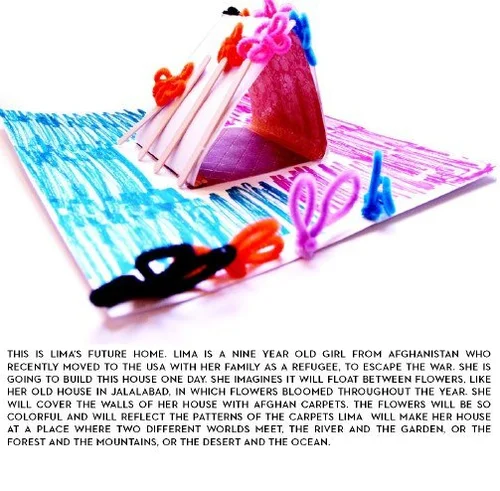
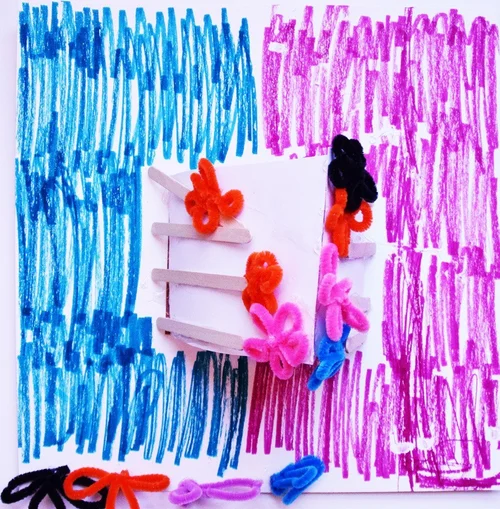
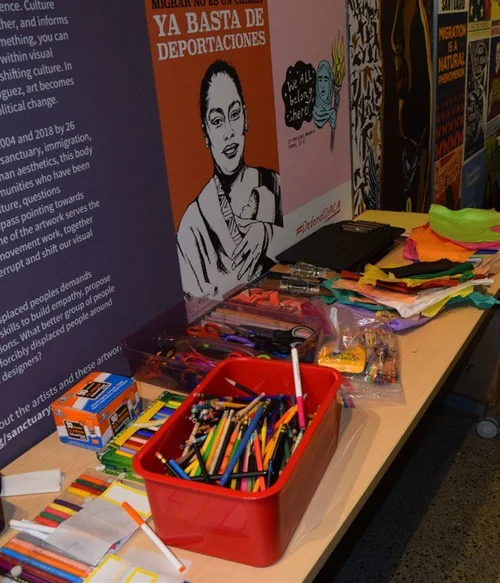
01 Graduate Global Studio: Norway02 Research Course: Future Craft03 Graduate Global Studio: Morocco04 Travel Abroad: Urban Precedents in Context05 Design Studio: Teaching Museum for the Mechanical Arts06 Collaborative Architectural Project07 Design Studio II: Community Boat Center08 Design Studio: Affordable Prefab Housing09 Introduction to Architectural Design10 Research Course: Architectural Analysis I11 Community Teaching: Color My Home
01 Graduate Global Studio: Norway 5 images
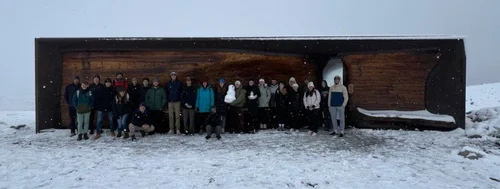 1
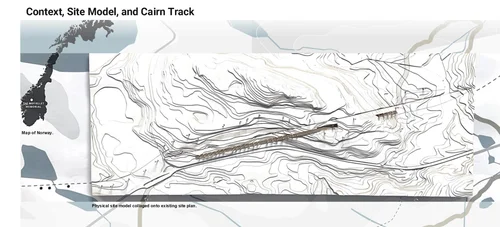 2
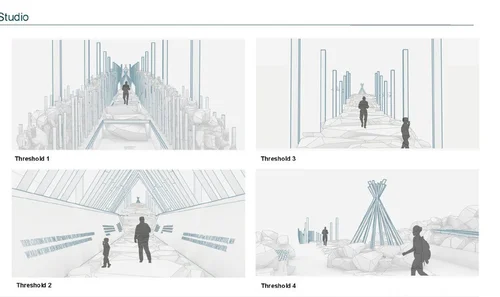 3
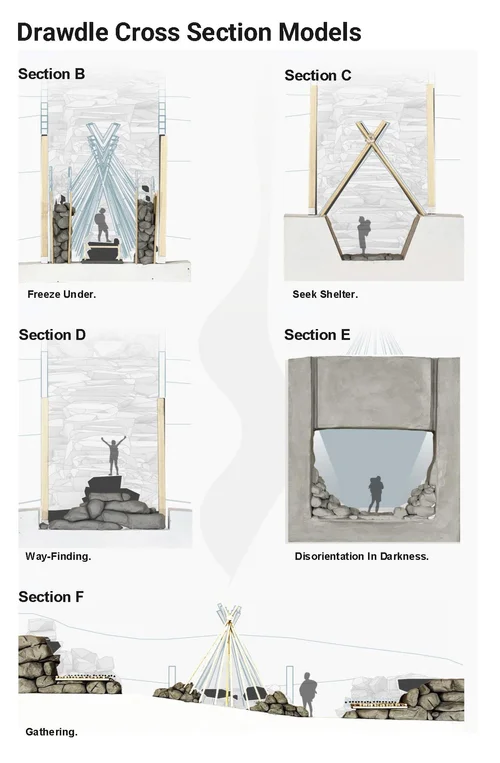 4
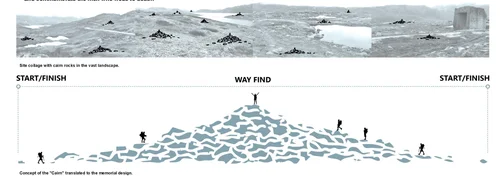 5
02 Research Course: Future Craft 5 images
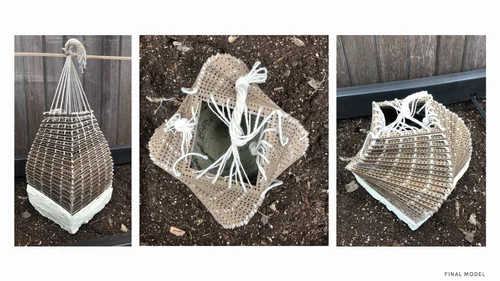 1
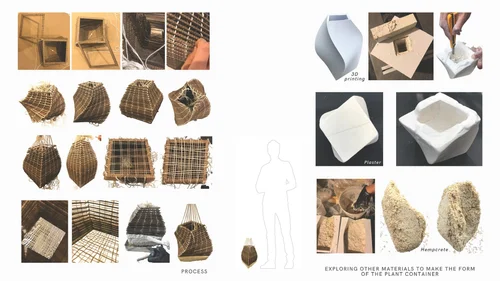 2
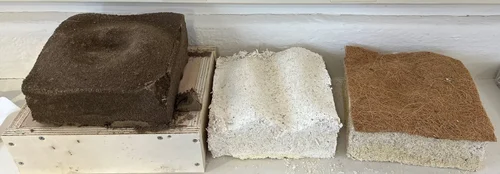 3
 4
 5
03 Graduate Global Studio: Morocco 6 images
 1
 2
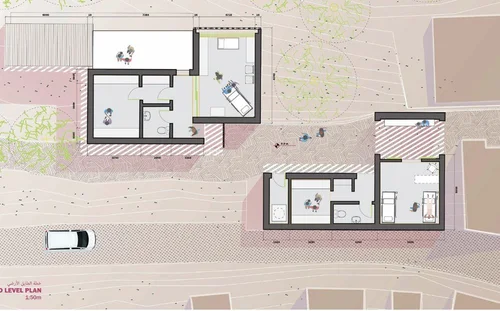 3
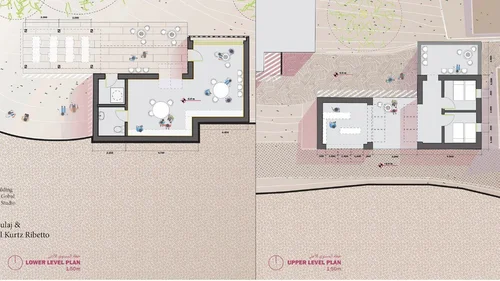 4
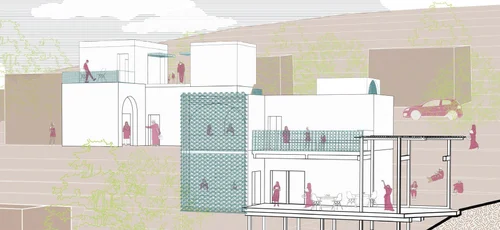 5
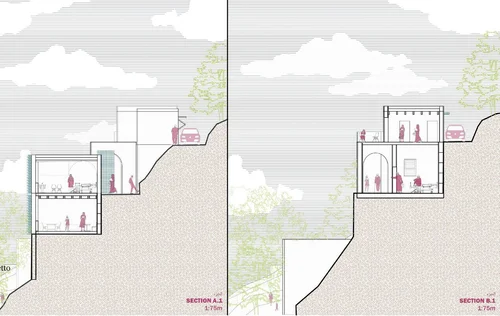 6
04 Travel Abroad: Urban Precedents in Context 6 images
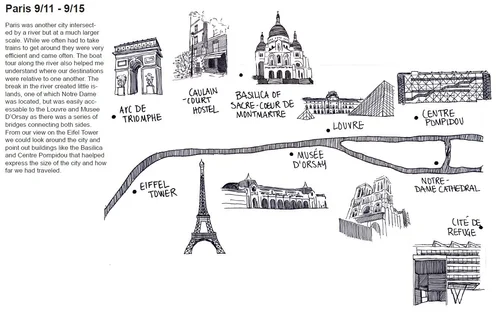 1
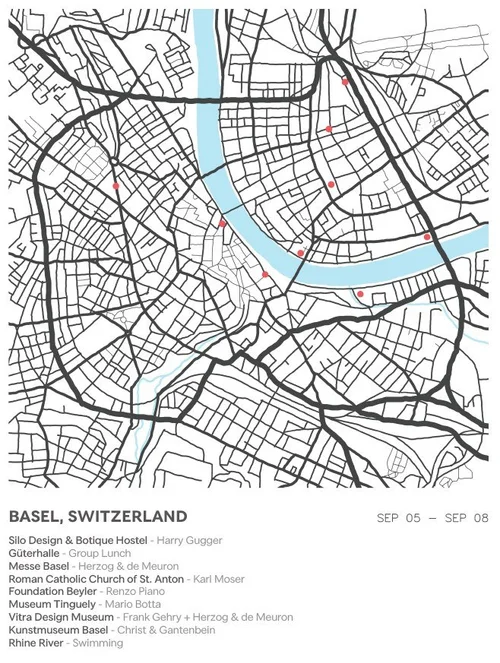 2
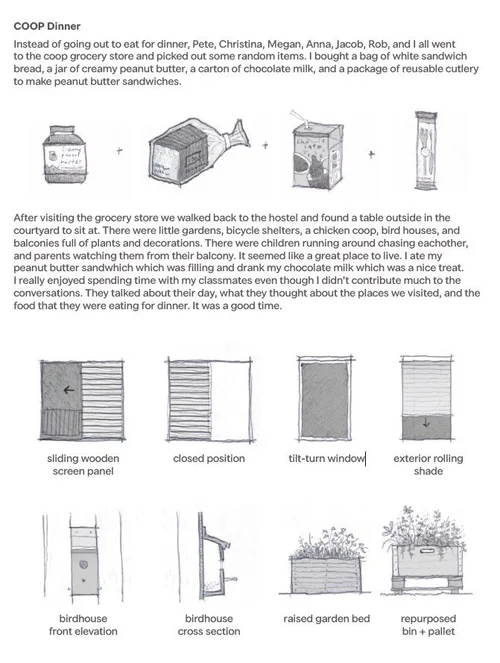 3
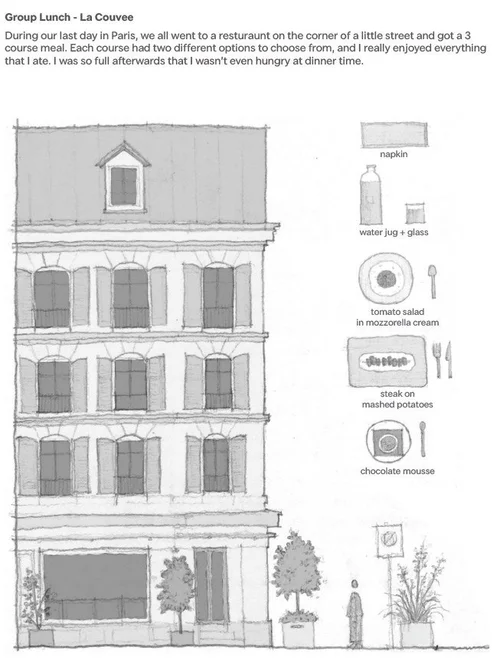 4
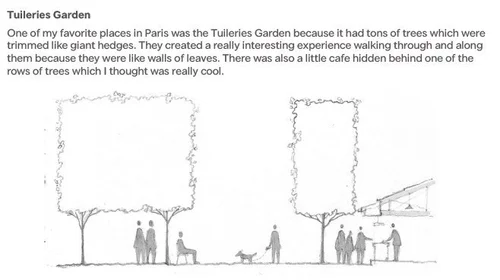 5
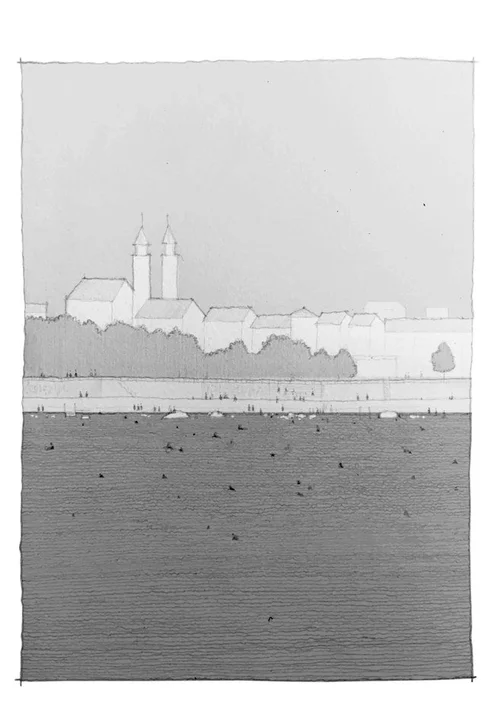 6
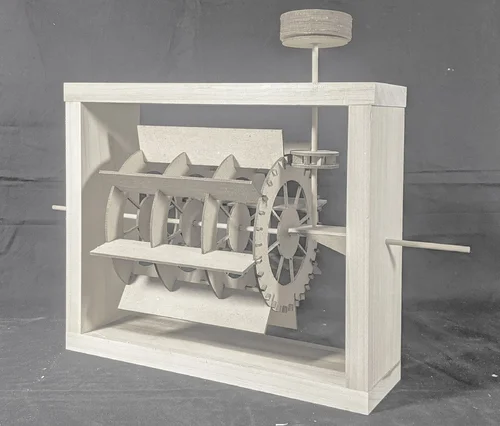
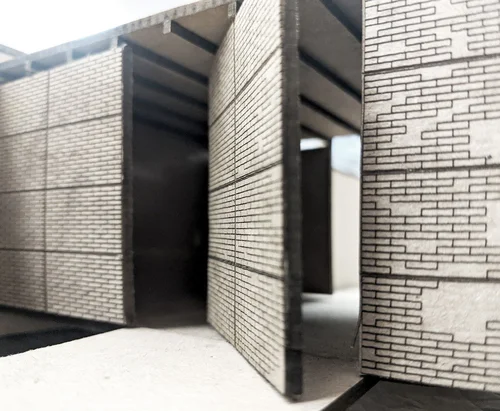
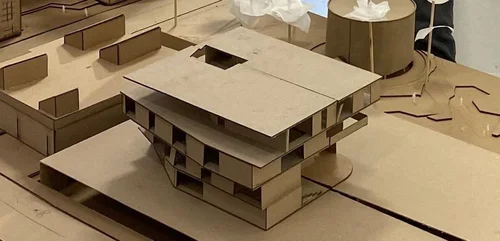
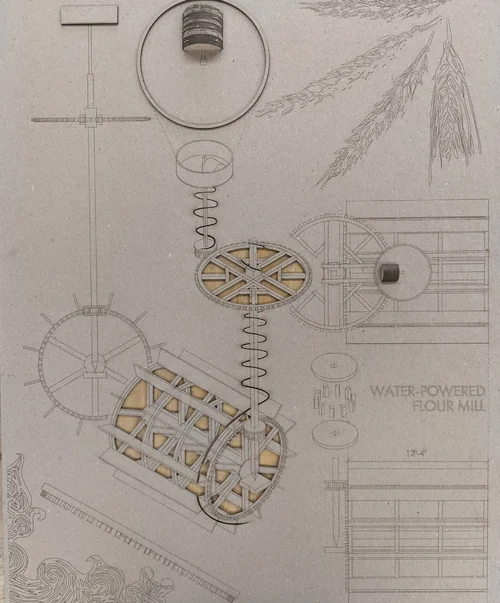
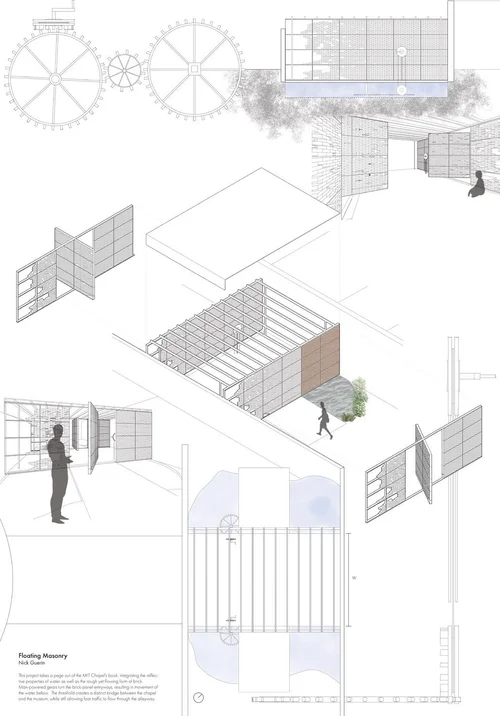
05 Design Studio: Teaching Museum for the Mechanical Arts 7 images
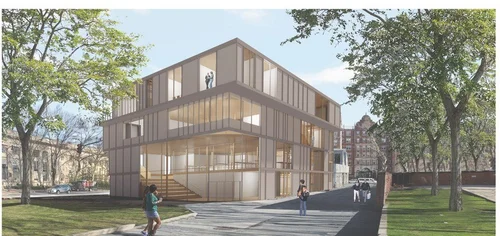 1
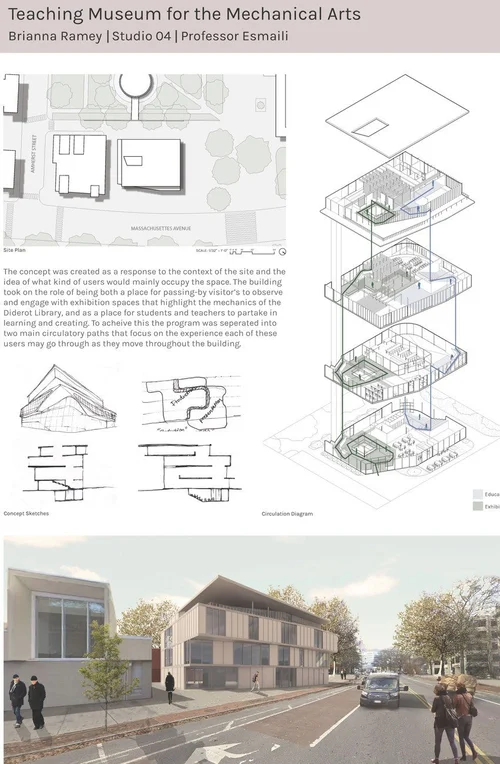 2
 3
 4
 5
 6
 7
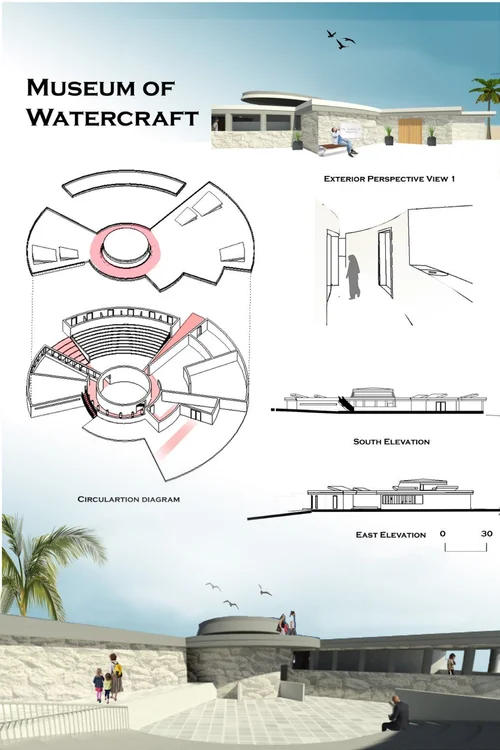
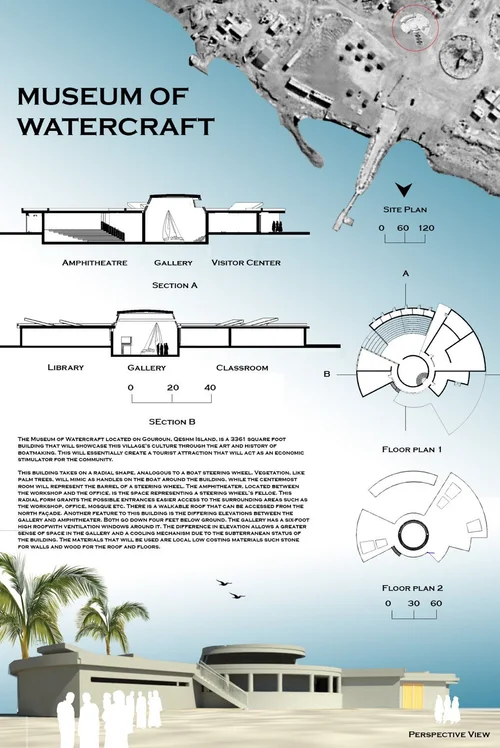
06 Collaborative Architectural Project 7 images
 1
 2
 3
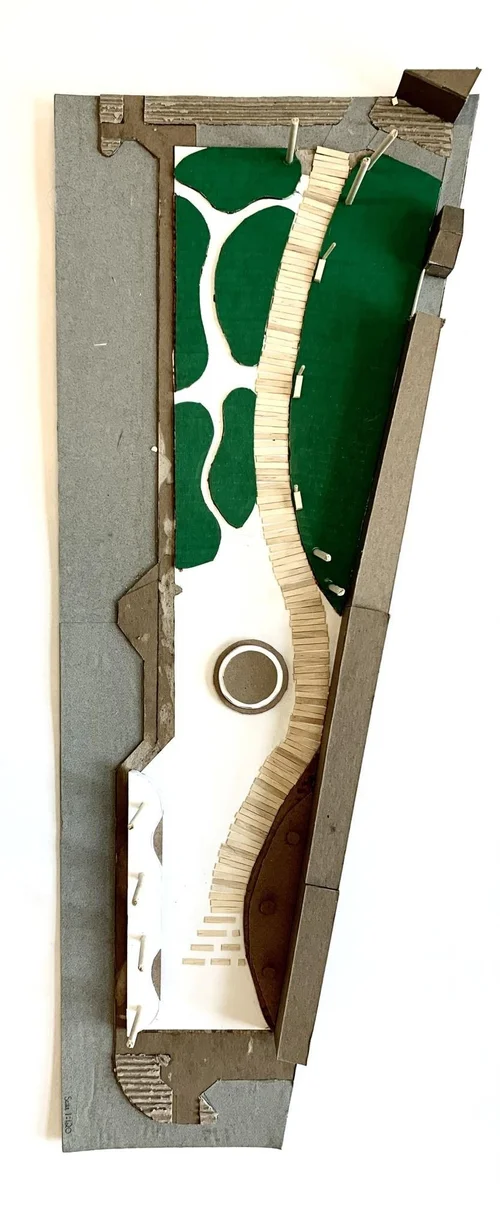 4
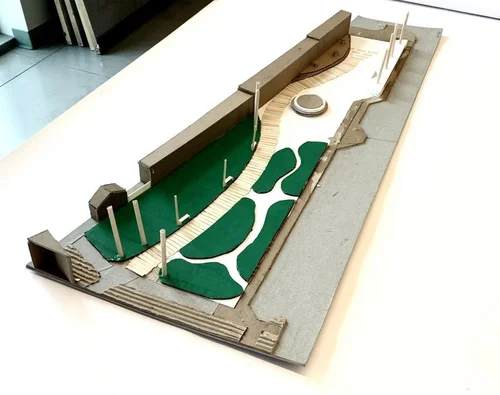 5
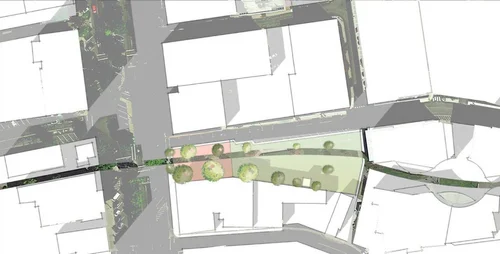 6
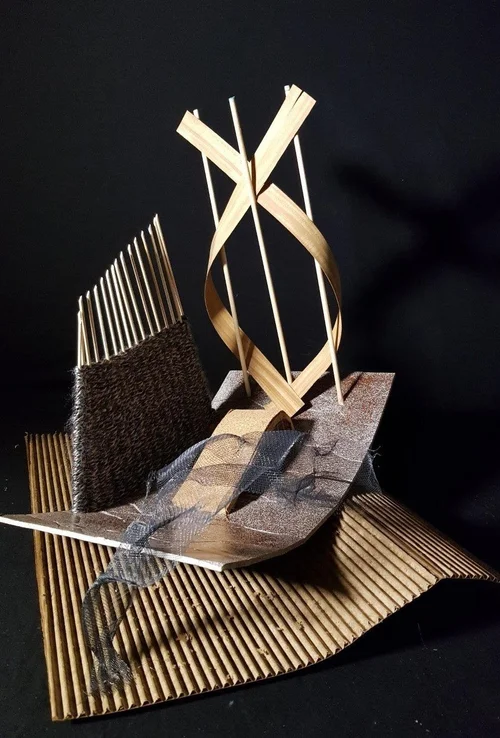 7
07 Design Studio II: Community Boat Center 7 images
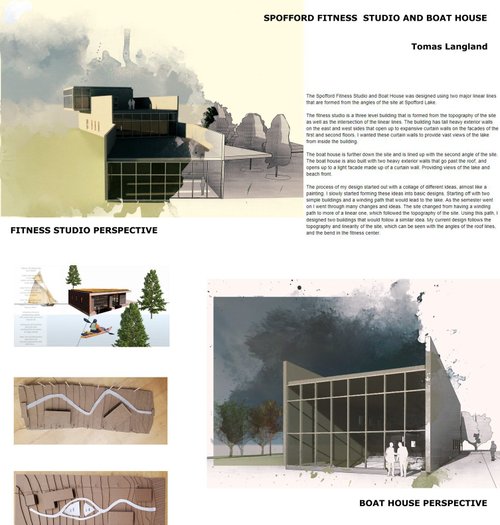 1
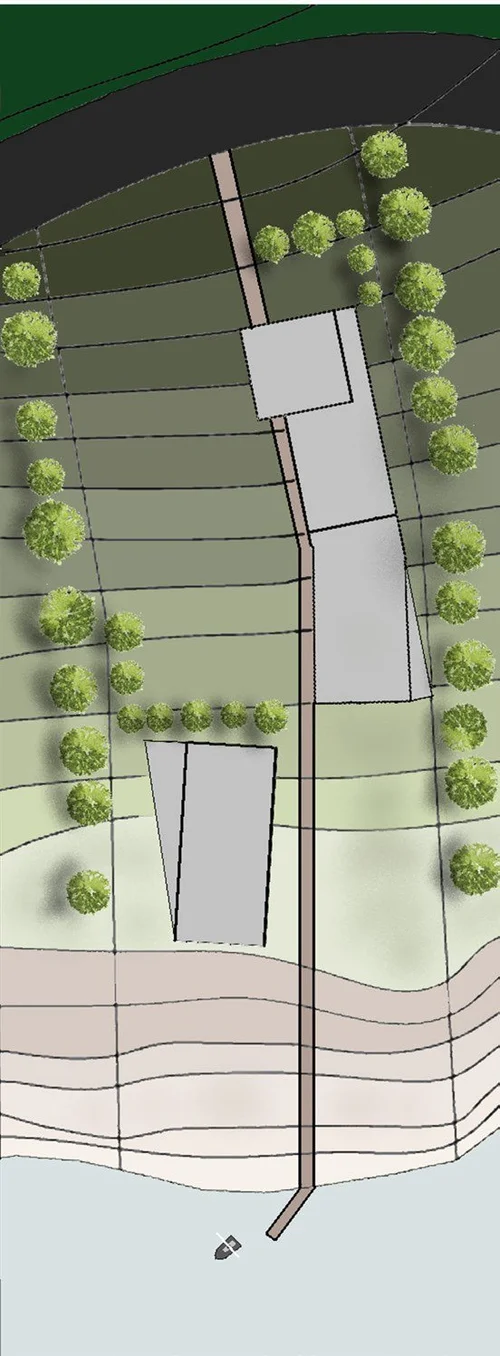 2
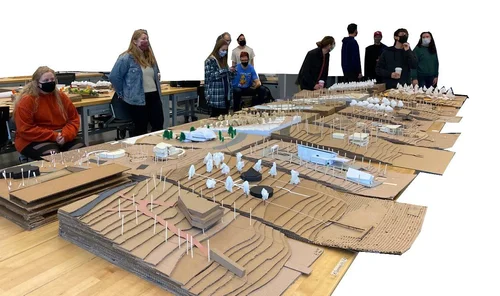 3
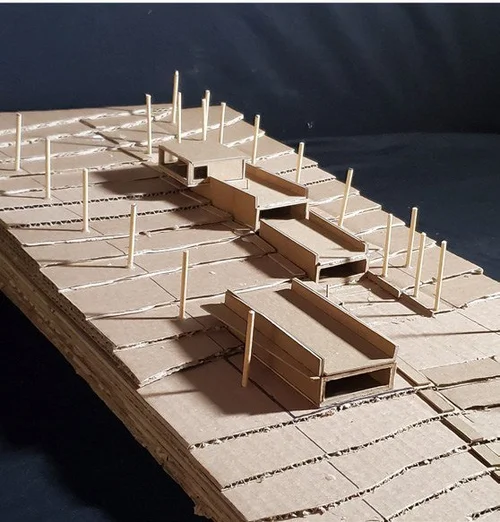 4
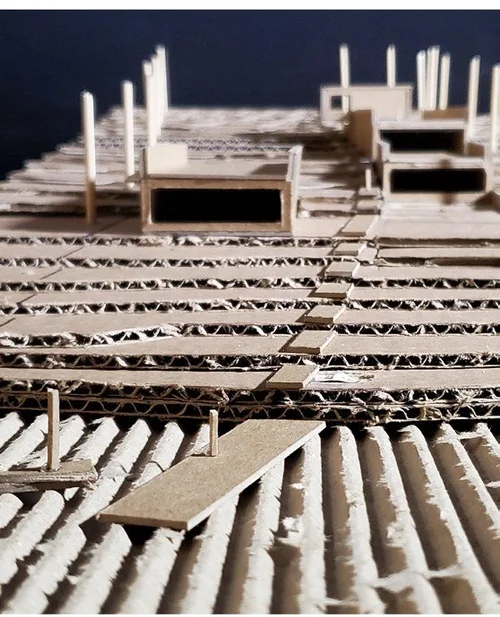 5
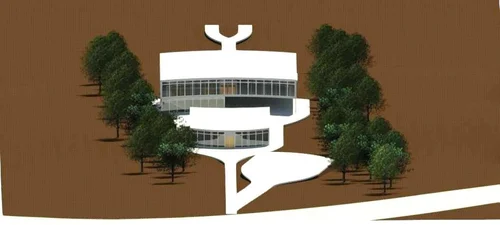 6
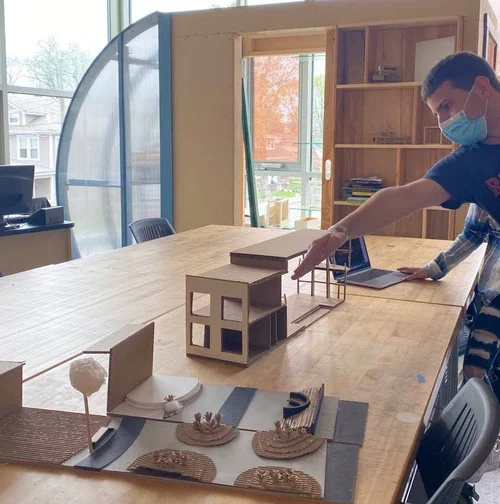 7
08 Design Studio: Affordable Prefab Housing 9 images
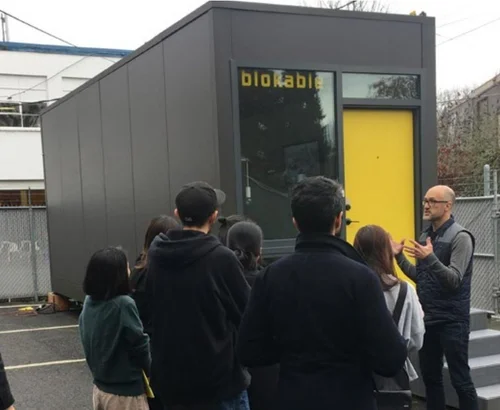 1
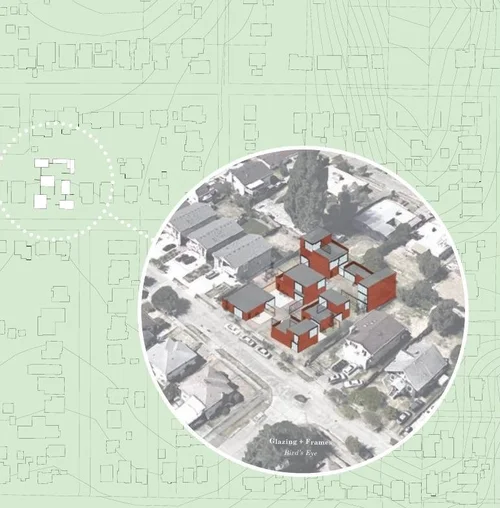 2
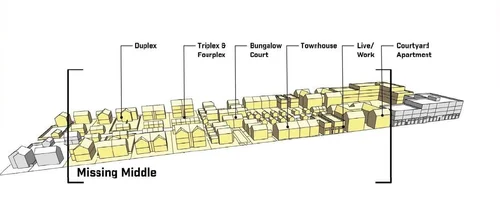 3
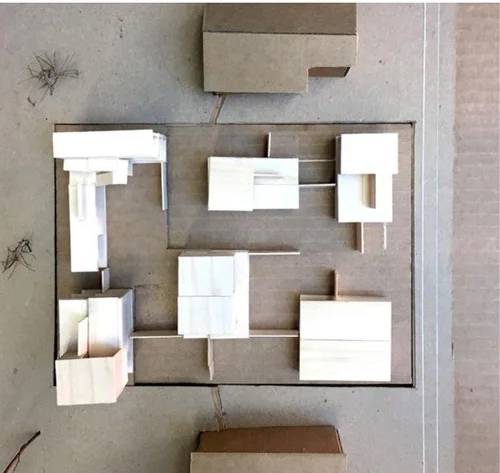 4
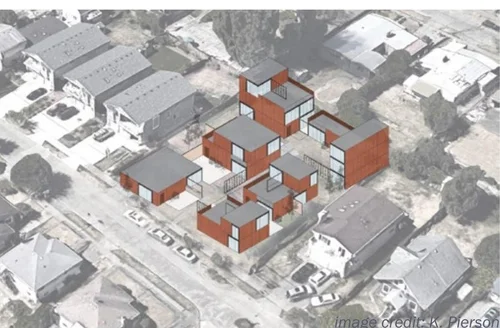 5
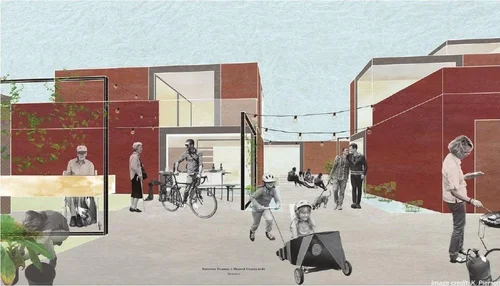 6
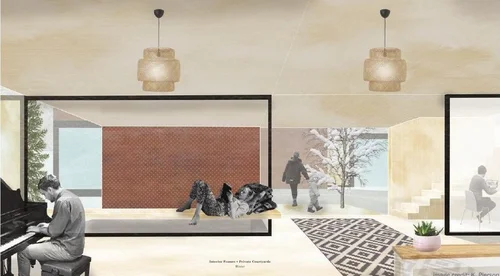 7
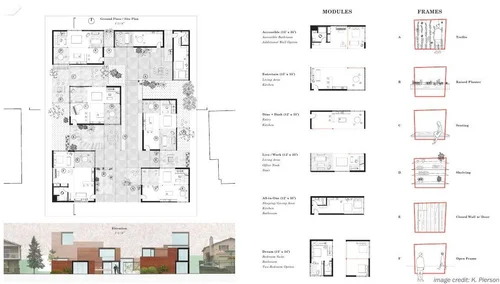 8
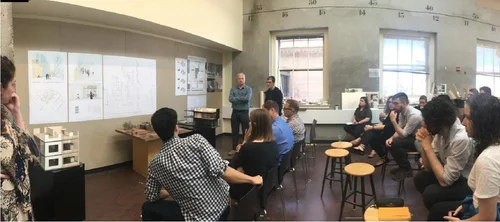 9
09 Introduction to Architectural Design 5 images
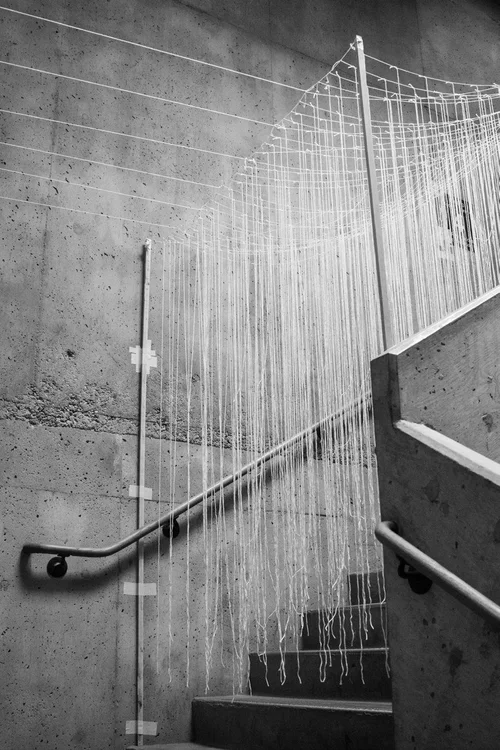 1
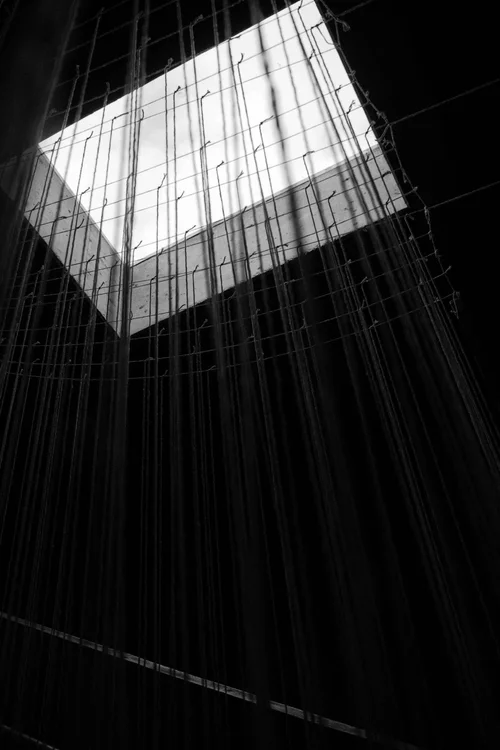 2
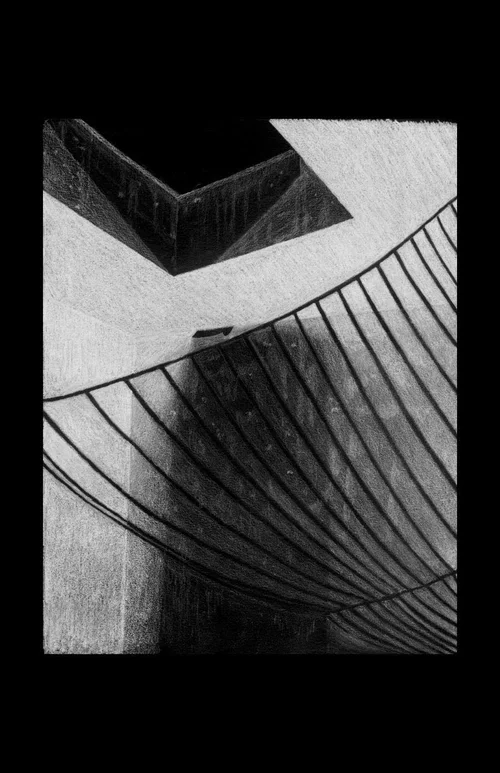 3
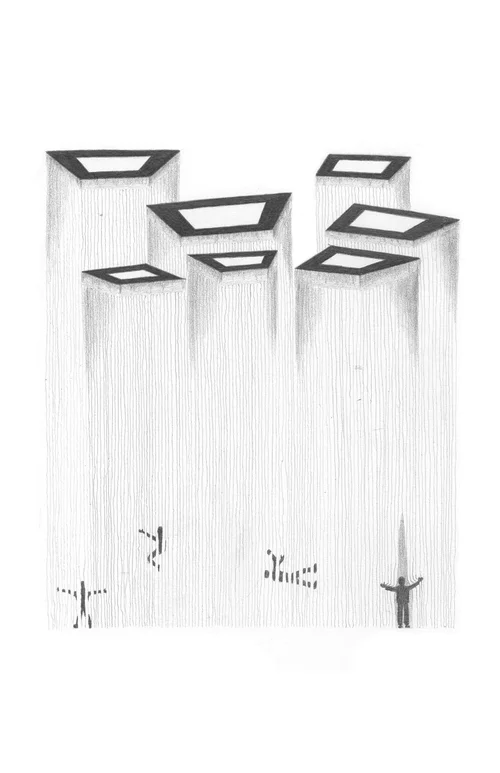 4
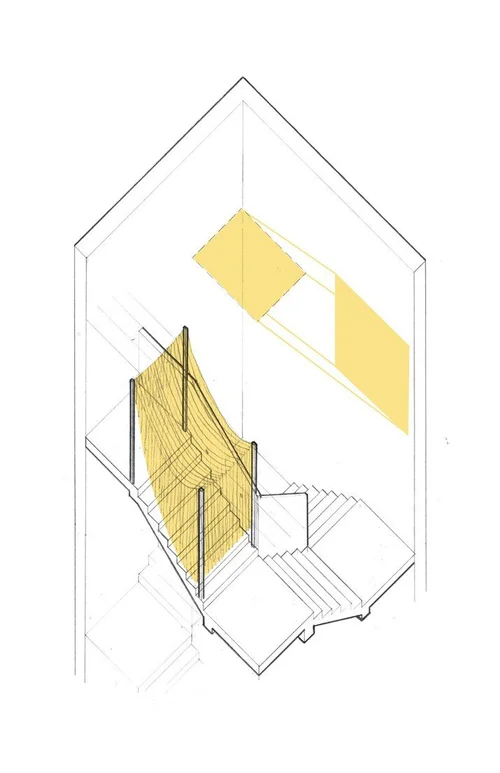 5
10 Research Course: Architectural Analysis I 6 images
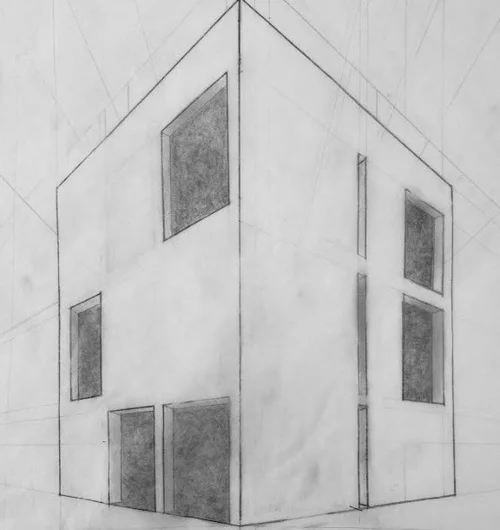 1
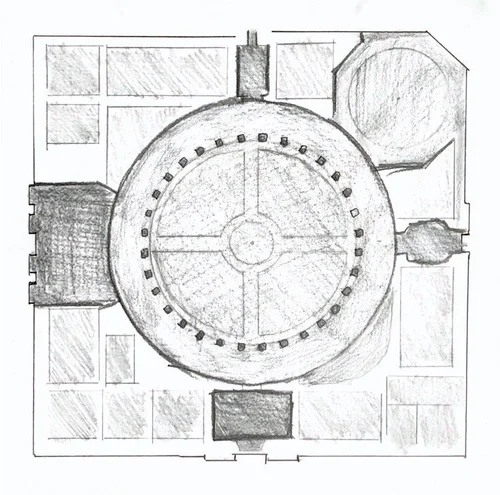 2
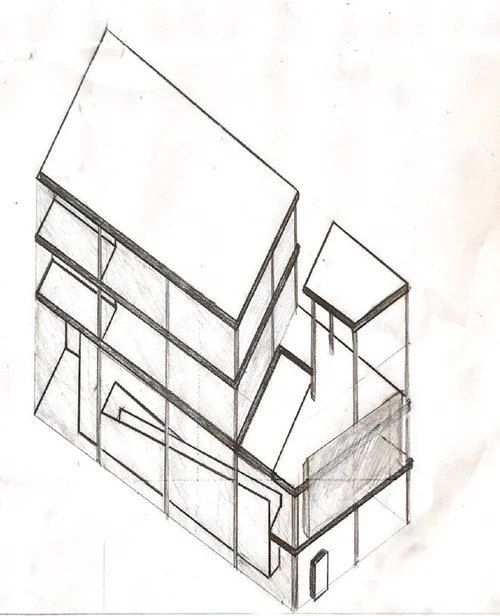 3
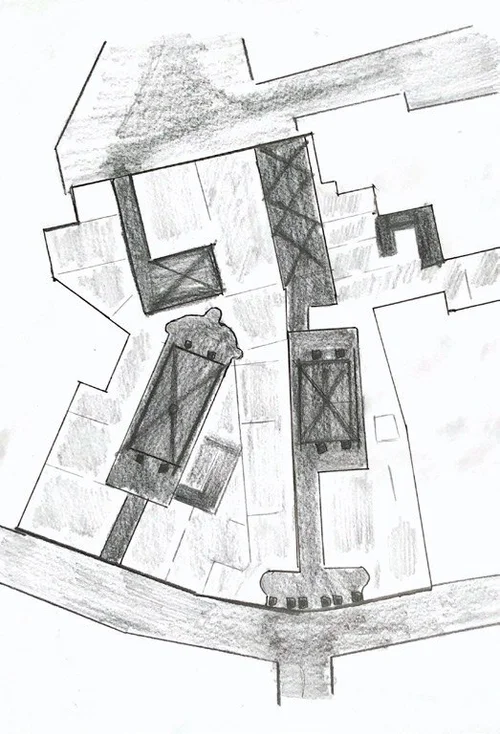 4
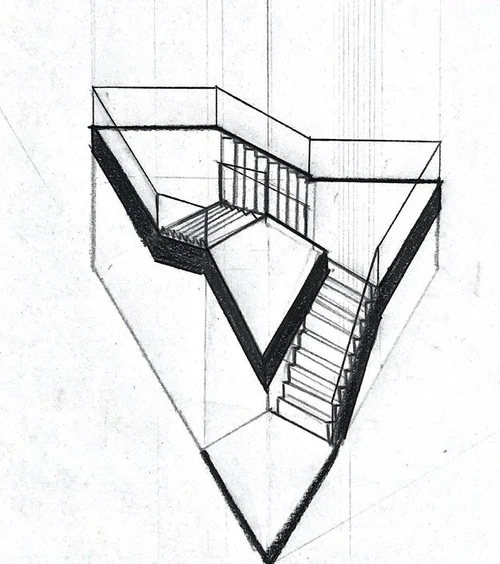 5
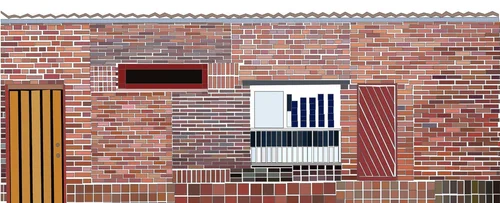 6
11 Community Teaching: Color My Home 4 images
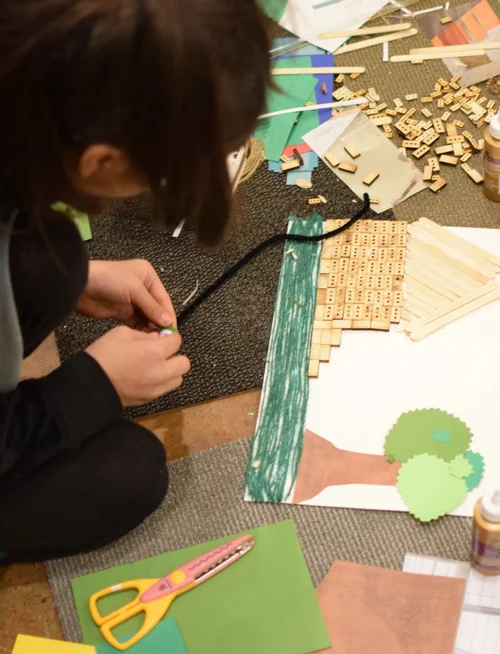 1
 2
 3
 4